 WhatsApp
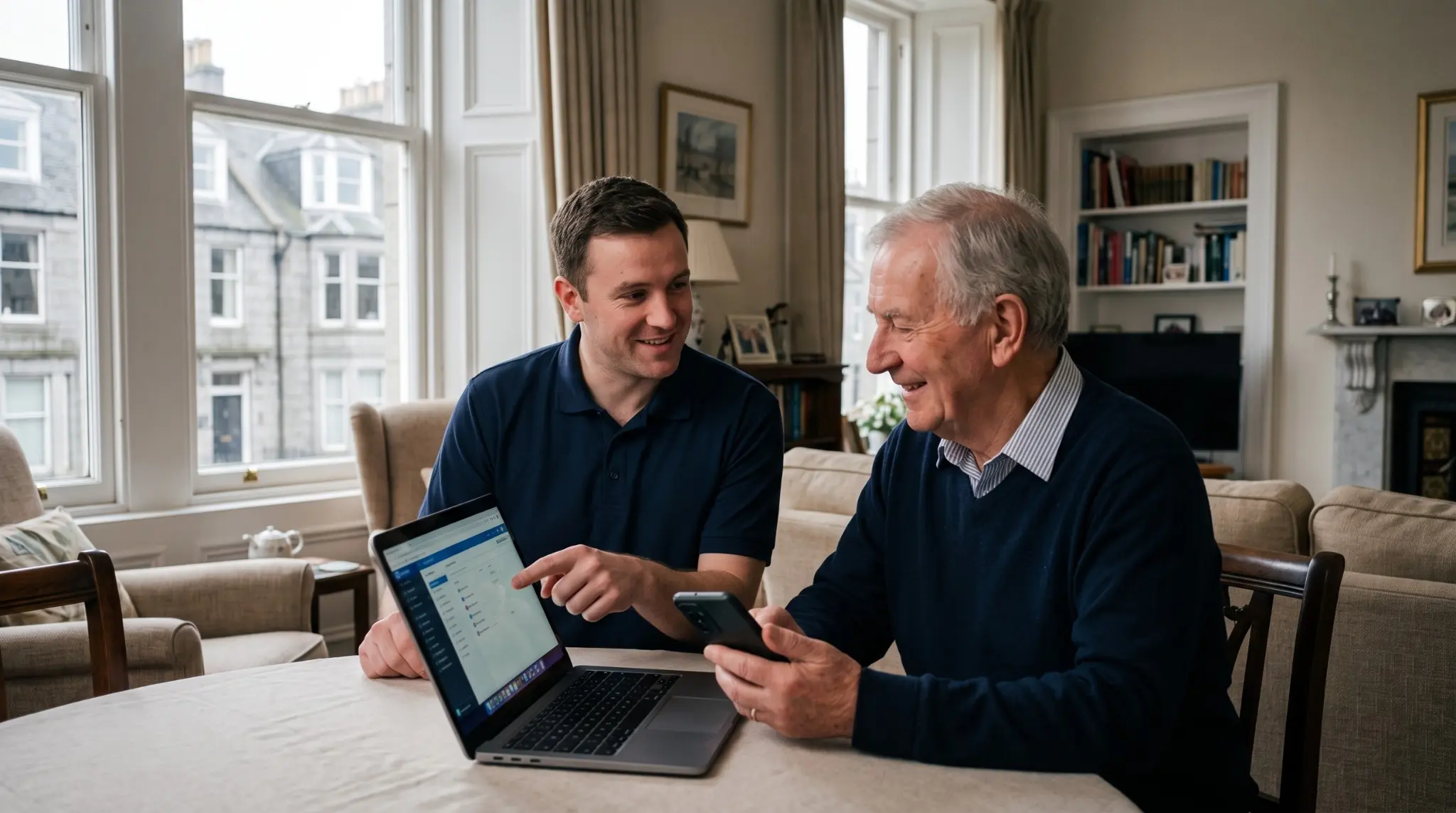
Getting a new laptop is lovely, right up until you switch it on and are faced with a wall of setup screens, updates and things asking to be signed into. Here is the order we go through on a setup visit, so you can do the same with confidence.
Do the updates first
Straight out of the box, a laptop is often months out of date. Before anything else, connect it to your Wi-Fi and let it run its updates fully. It might restart a few times and take a while, so give it a few minutes. Getting this done first means everything afterwards runs on the latest, safest version.
Set up your account sensibly
You will be asked to sign in with a Microsoft or Apple account. This is worth doing properly, as it keeps your settings backed up and makes life easier later. Write your login details down somewhere safe, on paper is fine, so you are never locked out of your own machine.
Move your files and photos across
This is the part people worry about most, and rightly so, because precious photos and documents are hard to replace. There are safe ways to move everything from your old device, and it is worth taking care over. If you are at all unsure, this is a good moment to ask for a hand rather than risk losing anything.
Sort out the essentials
Get the things you actually use set up and working, so the laptop is genuinely ready.
A tidy setup now saves a lot of niggles later.
- ✓Your email, working and syncing
- ✓Your web browser with your favourites and sign-ins
- ✓Your printer connected
- ✓Any programs you rely on installed
Put some protection in place
Modern laptops come with decent built-in protection, so you rarely need to pay for extra. What matters is that it is switched on and updating, that you have a strong password or PIN, and that you know how to spot a scam. A little care here keeps you safe without any fuss.
Clear out the clutter
New laptops often arrive with trial software and bits and pieces you did not ask for, cluttering things up and nagging you to pay. Removing these leaves the machine cleaner, faster and far more pleasant to use.
- ●Run all the updates before doing anything else
- ●Save your account login details somewhere safe
- ●Take real care moving photos and files across
- ●Built-in protection is usually plenty, just make sure it is on