 WhatsApp
A computer that used to be quick and now takes an age to do anything is deeply frustrating, and it often leads people to think they need to buy a new one. Usually they do not. Most slow computers can be brought back to life, and here is what really moves the needle.
Restart it properly, and often
Many people never actually shut their computer down, they just close the lid. Programs and updates pile up in the background over days and weeks. A proper restart once a day clears all that out and is the single easiest thing you can do.
Trim what starts up with the computer
A lot of programs sneak themselves into starting automatically when you switch on, all loading at once and slowing everything down before you have even opened anything. Turning off the ones you do not need makes start-up far quicker. It is a safe, worthwhile tidy-up, and one we do on almost every visit.
Free up some space
A hard drive that is nearly full has no room to breathe, and everything slows down. Clearing out old downloads, emptying the recycle bin and removing programs you no longer use can help a lot. Photos and videos are often the biggest culprits, and moving them to a backup frees up a surprising amount.
Be wary of cleaner and booster apps
Those adverts promising to speed up your PC with one click are best avoided. Many do little, some bombard you with pop-ups, and a few are scams in disguise. Real speed-ups come from the sensible steps above, not a magic button.
The one upgrade that transforms an old machine
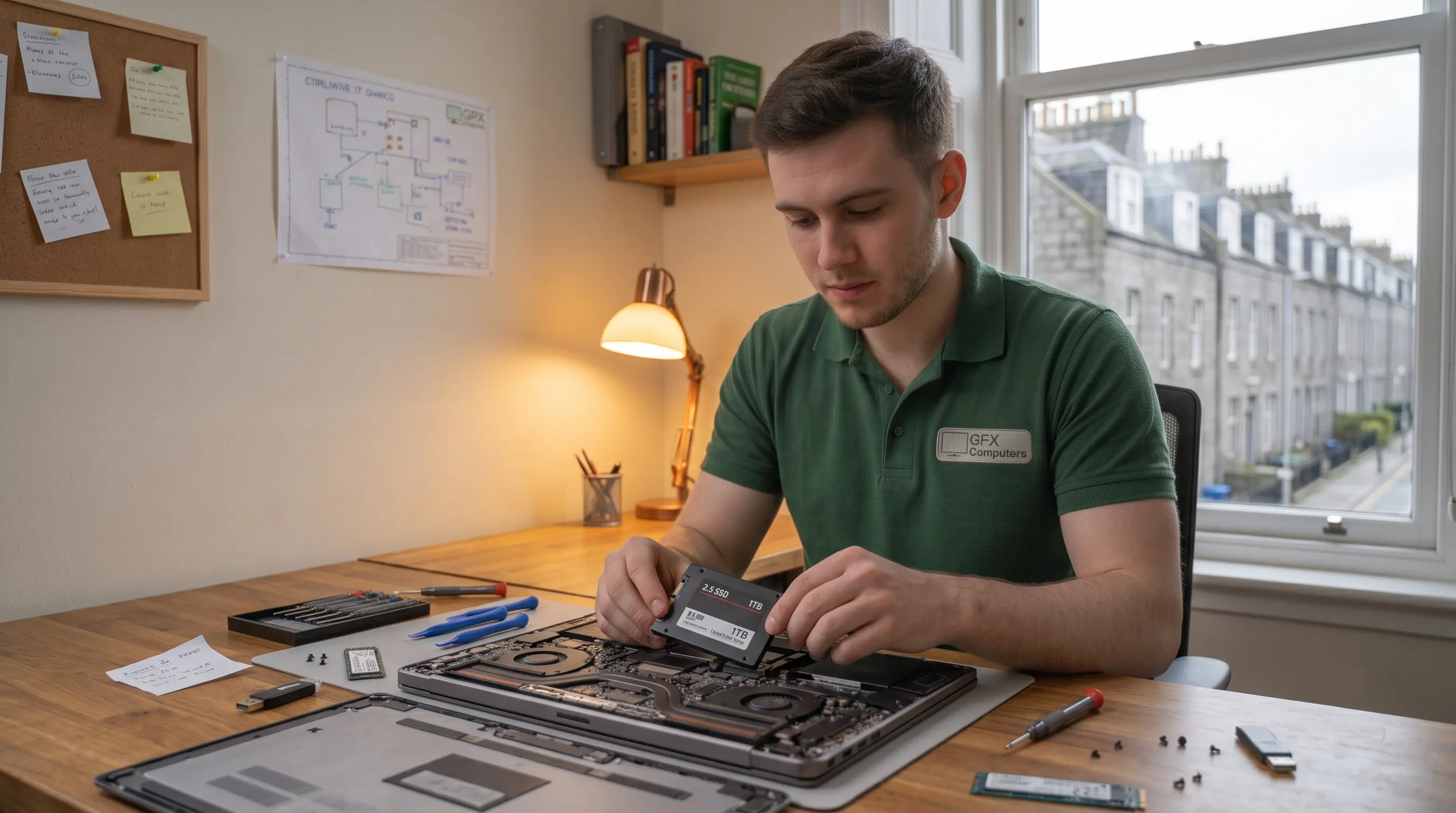
If your computer still has an older mechanical hard drive, fitting a solid state drive is the closest thing to magic in this business. It can make a five-year-old laptop feel brand new, often for far less than the cost of replacing it. This is the upgrade we recommend most, and it is a quick job for us to do.
- ●A daily proper restart makes a real difference
- ●Trim start-up programs and free up drive space
- ●Avoid the one-click cleaner apps you see advertised
- ●A solid state drive can make an old computer feel new again